
OpenMotion: remake a reference video with your own brand
Hand your agent a reference video and it rebuilds it with your brand as a project you can keep editing
- Who
- Built by the OpenDesign team (nexu-io), for people who want their own version of a video they like.
- When
- Version 0.1.0 came out on 17 November 2026. The repository was renamed from html-anything.
- Where
- Runs on your own machine with 22 local agents, including Claude Code, Codex and WorkBuddy.
What was hard
You see a product film or a short you like and want one like it for your own product. Until now that meant noting the cut order, the transitions and when each line of type appears, then stacking it all again from nothing in an editor. Generating it with a model gives you one flat clip, so swapping a logo or a sentence means generating the whole thing again.
What it does about it
OpenMotion writes video in HTML, CSS and JavaScript. Your agent reads the reference's shot order and transitions and rebuilds the scenes with your brand material, and that project opens as it is on the Studio timeline. Whether you ask the agent for a change or drag a clip yourself, the same project changes, and the MP4 is rendered from it. It also introduces Motion.md, a Markdown format that records shot order, timing and transitions.
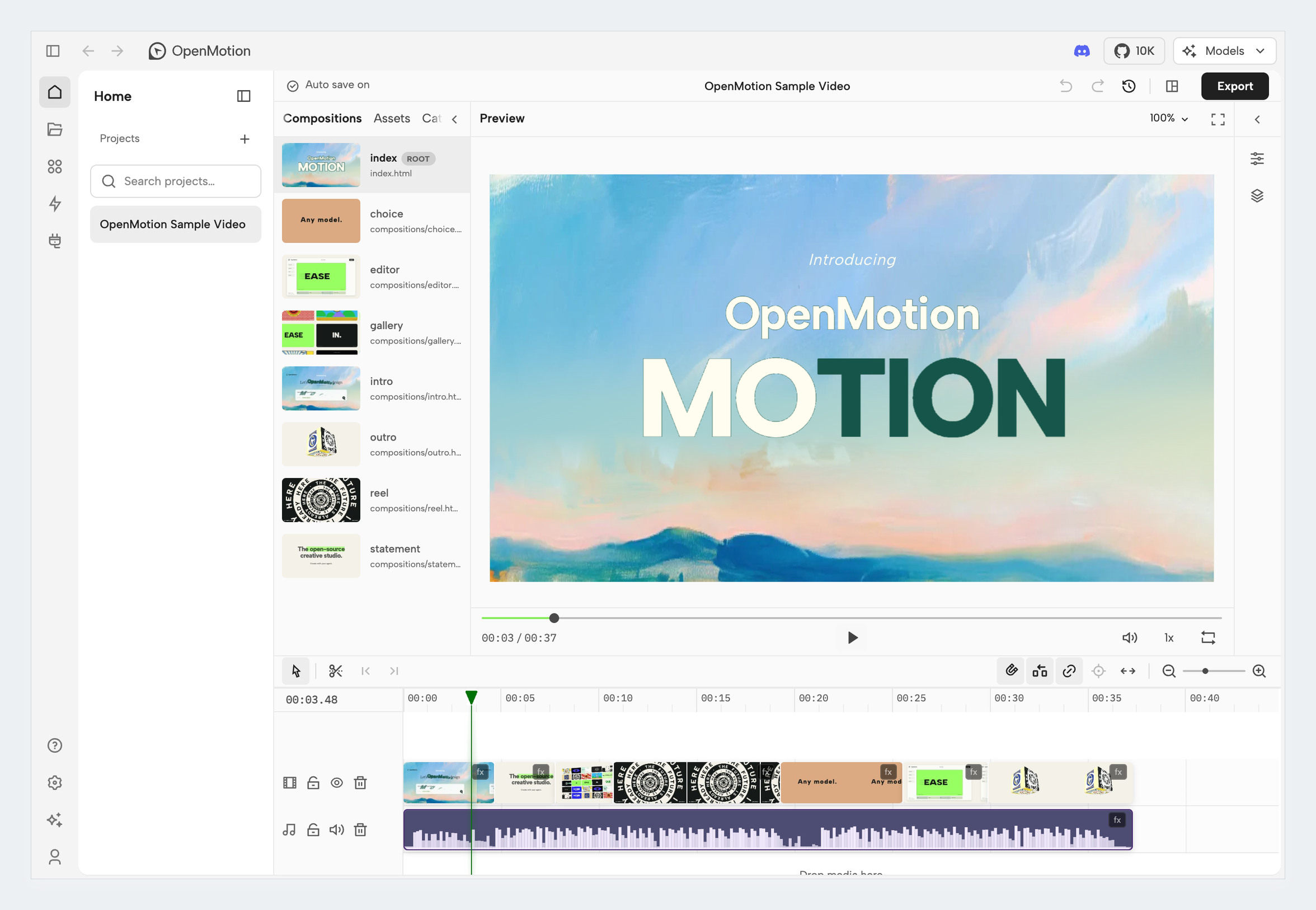
How it runs inside
- 1
You → Claude Code
A reference link and your brand materialYou hand over the link or file, in a folder that holds your logo and copy. - 2
Claude Code → openmotion-recreate
Reads the skill's instructionsIt reads your workspace and the reference first, and asks what it must in one batch.skills/openmotion-recreate/SKILL.md - 3
Claude Code → openmotion MCP server
openmotion_create_projectOne editable project is created; the agent gets its directory and revision.mcp.ts - 4
Claude Code → openmotion MCP server
Writes HTML, CSS and JS scenesType, UI, charts, logos and camera motion are rebuilt as code.skills/openmotion-recreate/references/rebuild.md - 5
Claude Code → Model Gateway
openmotion_media_useWhat code cannot carry, such as people, footage, music and narration, is generated on your keys.gateway/service.ts - 6
openmotion MCP server → MP4 and HTML source
Chromium render → FFmpegThe saved version is rendered, the file is checked against its spec and the MP4 comes out.scripts/verify-export.ts
What goes in, what comes out
Is it for you
Good for
- You want the structure and rhythm of a launch film you like, carrying your own product
- You want to reuse one video many times by changing only the copy or the logo
- You already work in Claude Code or Codex and want to direct video in words
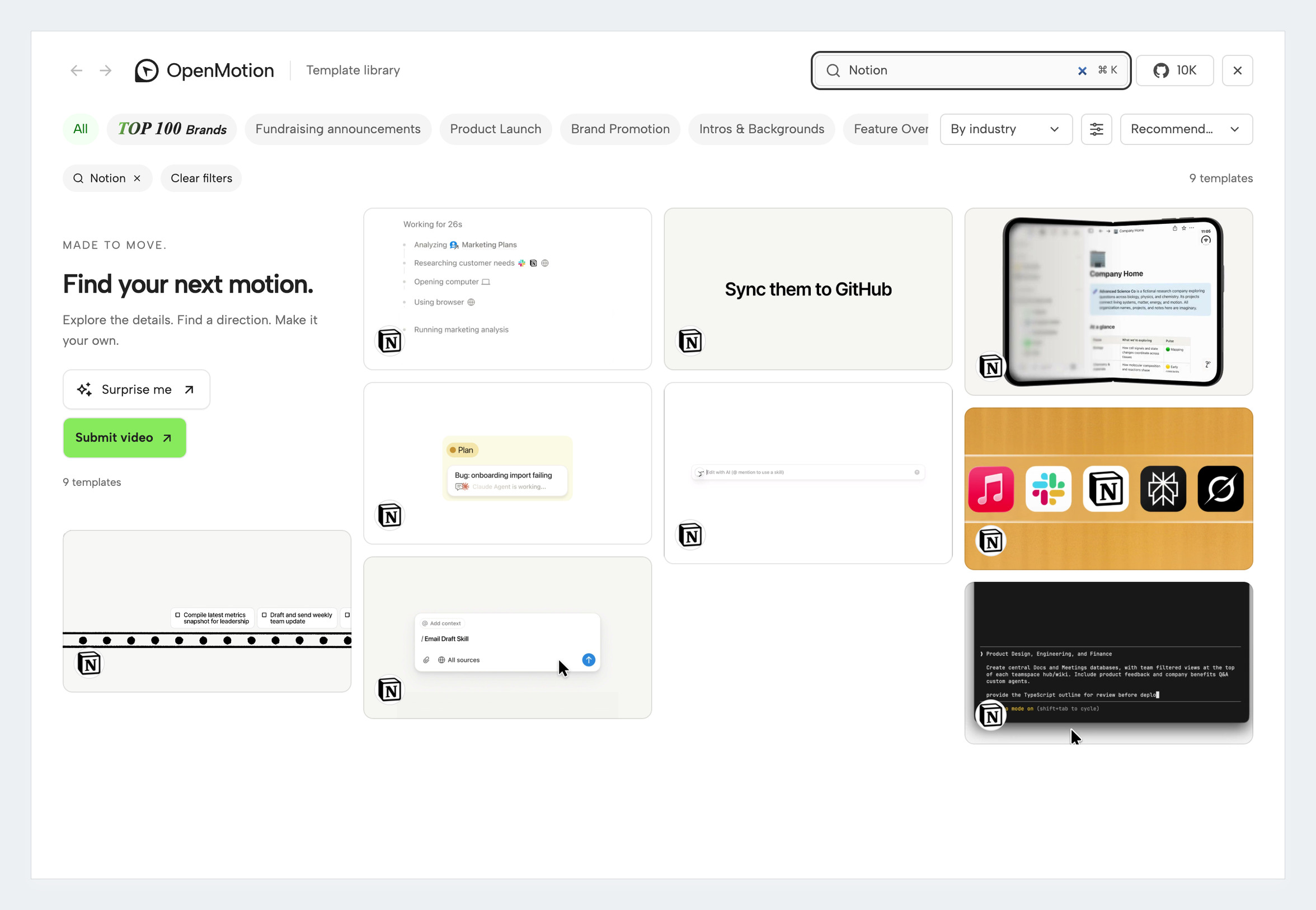
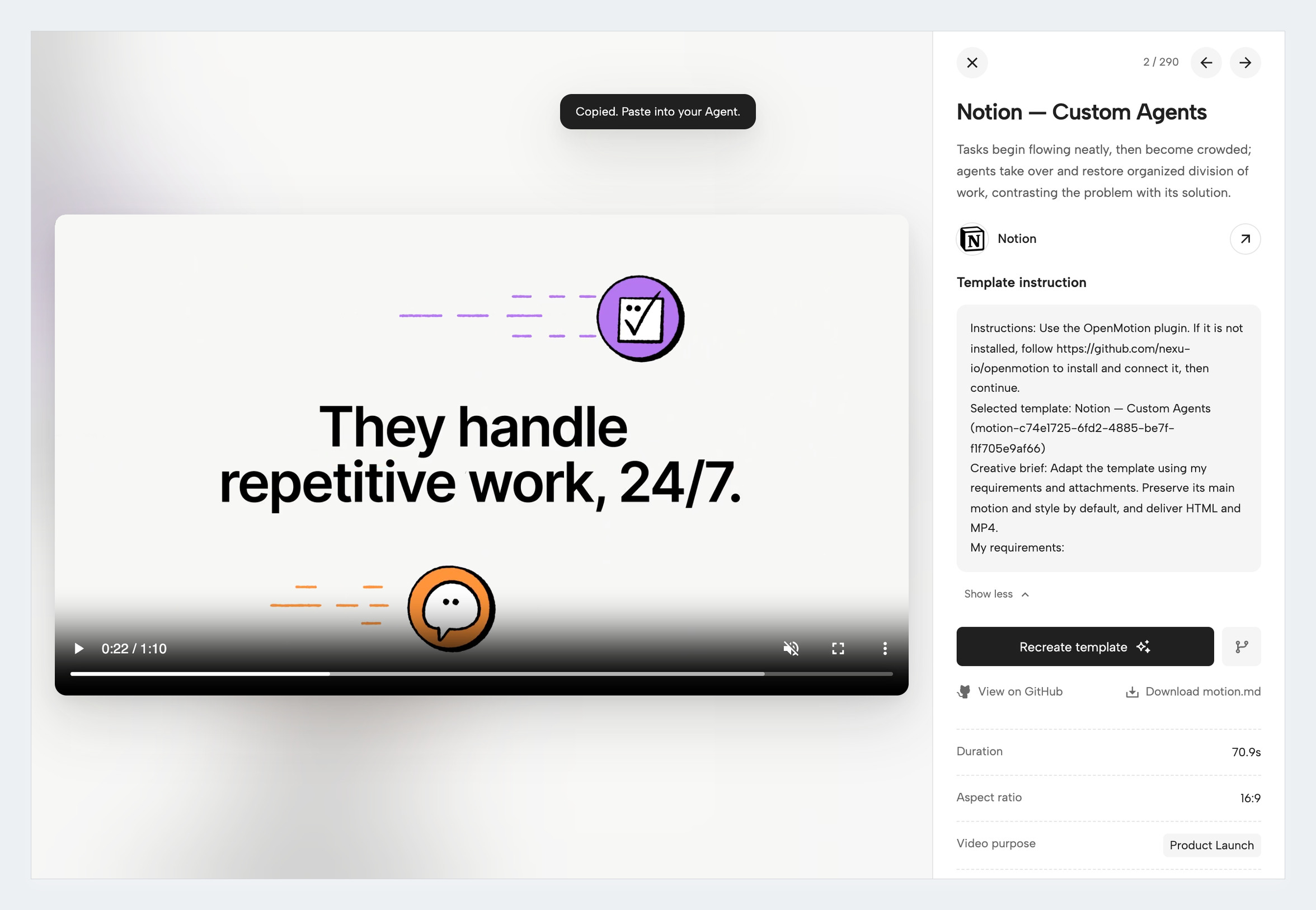
- You would rather start from a reference in the template library than from a blank screen
Not for
- Image, video, music and voice generation run on your own provider keys and bill your accounts (per the README).
- Channel connections, scheduled publishing and performance feedback are planned; today you upload the MP4 yourself.
- Usage reporting is on by default; you can turn it off in Studio under Privacy settings.
- The app is Apache-2.0, so a company may use it, but templates, media and fonts keep their own licenses.
Reviewed by Devalley’s editor before publishing. How the column is made