No lock-in
Keep your terminal, your editor and your apps. Nothing to migrate: sessions walk in on their own.
New in 0.20Claude and Codex app chats, in the same windowClaude and Codex apps too
Every agent, from any terminal, IDE or app, in one window. The one waiting on you walks over. Approve and reply right there, with a timeline of who did what.
Windows · macOS · Free · No account needed









Keep your terminal, your editor and your apps. Nothing to migrate: sessions walk in on their own.
Even in another window, the resident brings its state to the middle of your screen.
Approvals, next steps, diff review, a timeline and a board. One window.
One screen
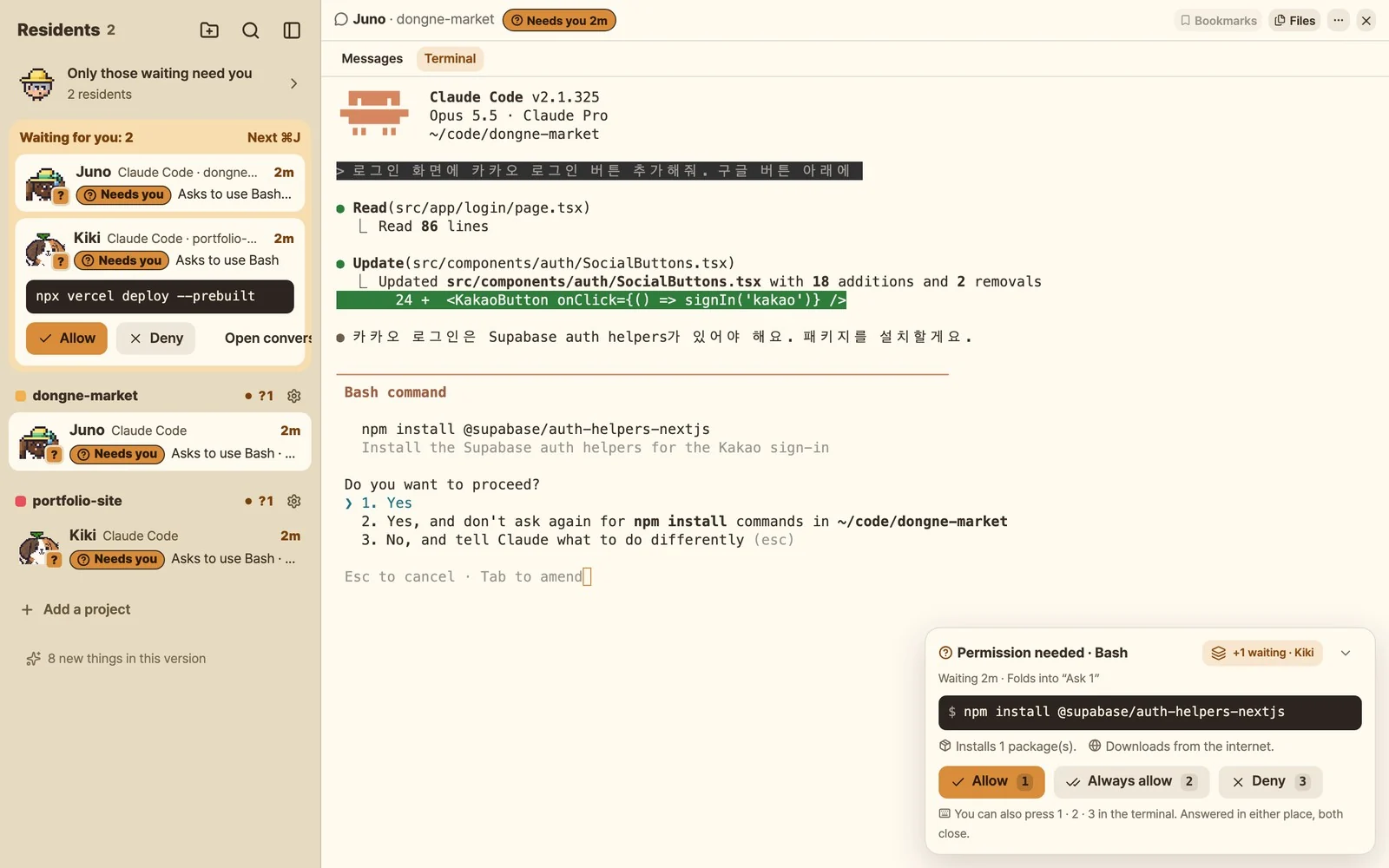
Whoever needs you floats to the top. Messages and the real terminal sit side by side: read on the left, type on the right.
Residents that run
Working in another window? The resident runs to the middle of your screen with the exact command and how long it has waited. Allow, deny or always allow, right there. Review every pending approval in one pass.
The prompt stays in the terminal too. Answer in either place and both close. Answered in the village: Claude Code, Codex, Qwen Code, Copilot CLI, OpenCode (and Hermes once turned on in Connect agents).
No lock-in
Nothing to move into. Keep the terminal, editor and desktop apps you already use, and sessions show up in the village by themselves.
“I have to leave my terminal setup and move into their app.”
Stay put. Windows Terminal, iTerm2, VS Code, JetBrains, tmux, as they are.
“It only sees sessions it started itself.”
Already-running sessions come in, and so do Claude and Codex app chats.
“I find the stuck agent by opening every tab.”
The one waiting rises to the top and walks to your screen.
“Cute, but it only watches.”
Not a toy: approve, direct, stop and review from it.
“Telemetry is on by default.”
No analytics in the app. What the village shows stays on your machine.
“I hit the limit before I notice it.”
Per-agent limits and time to reset, at a glance.
| What you get | Devalley | herdr | T3 Code | Orca |
|---|---|---|---|---|
| Sessions from your own terminal or IDE | Come in as they are | Ones opened inside herdr | Ones T3 Code starts | Ones in Orca terminals |
| Claude and Codex app chats | Send, continue, hand back | — | — | — |
| Telling you who is waiting | Resident walks to your screen | Status + notification | Notification | Notification |
| Characters and customising | Resident packs, wardrobe | — | — | — |
Based on each project’s public docs and user reviews, November 2026. Things change.
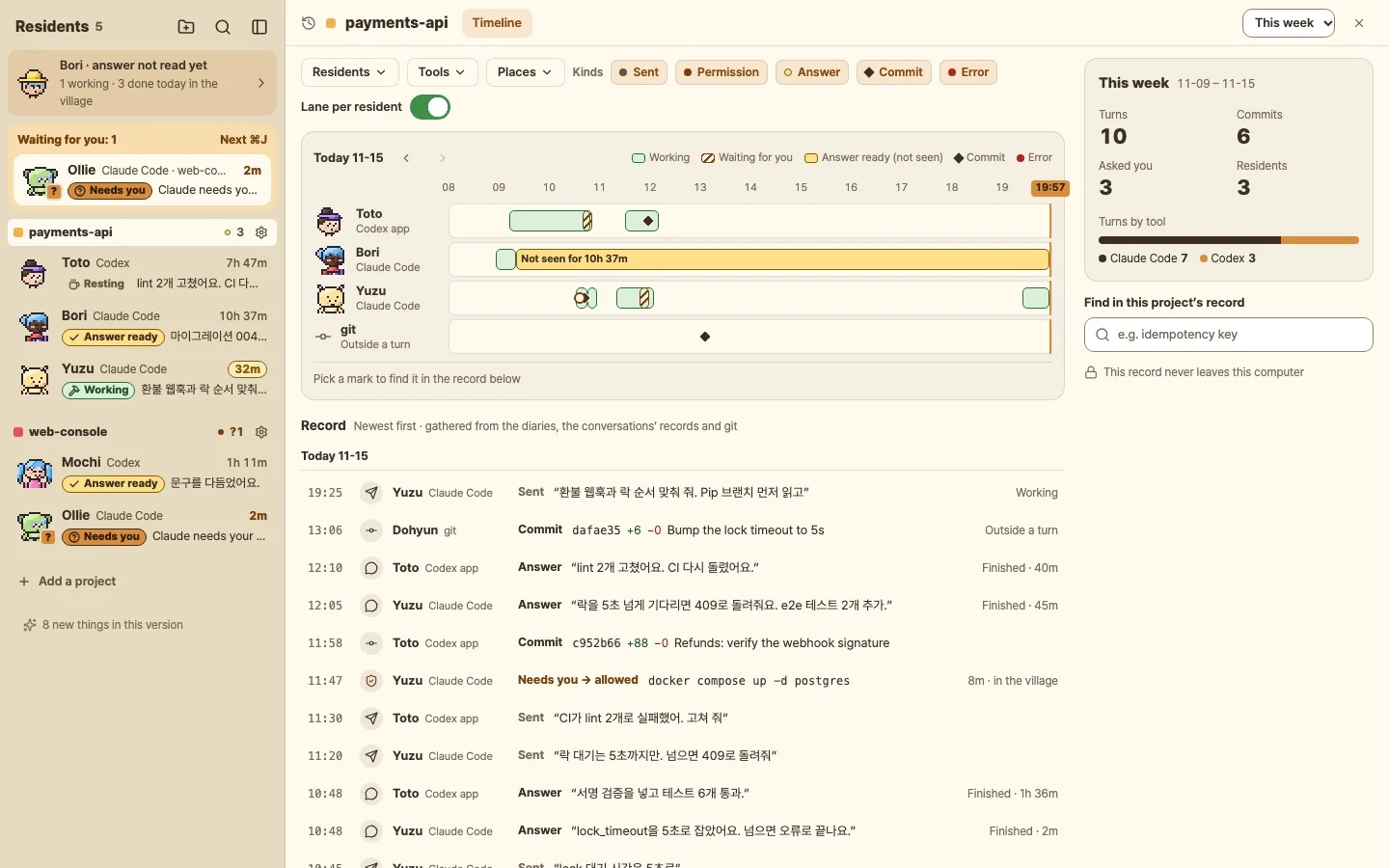
Timeline
Every project keeps a timeline of prompts, replies, commits and approvals, in order. Pick any turn from the last 90 days and review it again. Wait time, cost and a decision ledger sit right next to it.
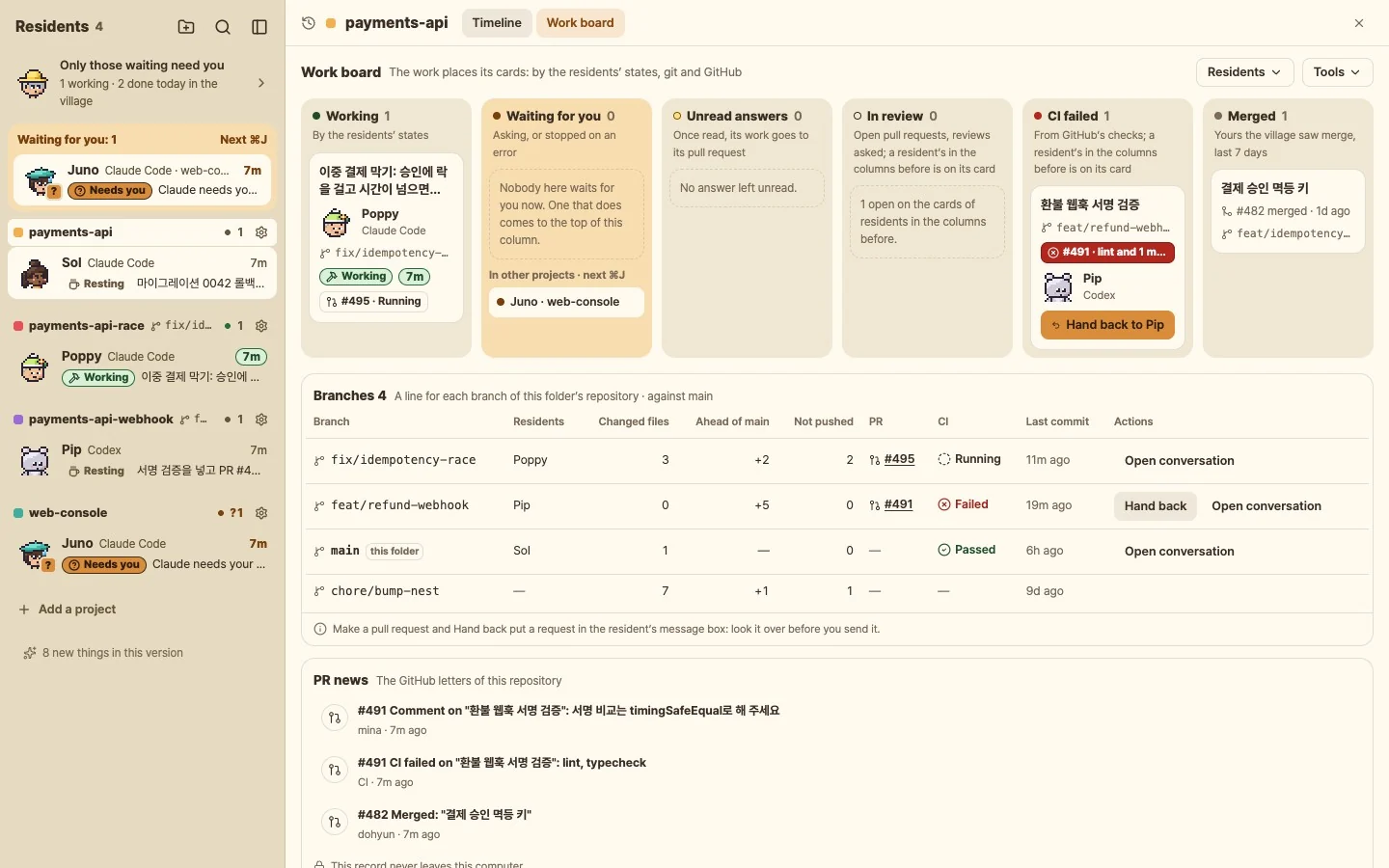
Board
The work decides the column. Resident state, git and GitHub move the cards for you. When CI fails, hand the failing checks straight back to the agent.
The village runs on your machine. What gets approved is always your decision.
Devalley column
Every day the column picks trending open-source AI tools and agent skills, with what they need, the install commands and a prompt you paste straight into Claude Code or Codex.
Read the columnnode -vFFmpegffmpeg -versionAPI keysOpen Claude Code or Codex in an empty folder and paste this as it is.
Paste firstInstall github.com/example-org/clip-skill following its README Quick Start.
First check `node -v` is 22+ and `ffmpeg -version` works.
Then run its short test and tell me where the result file is.Example screen. Each real piece takes its commands from the tool’s README.
Make it yours
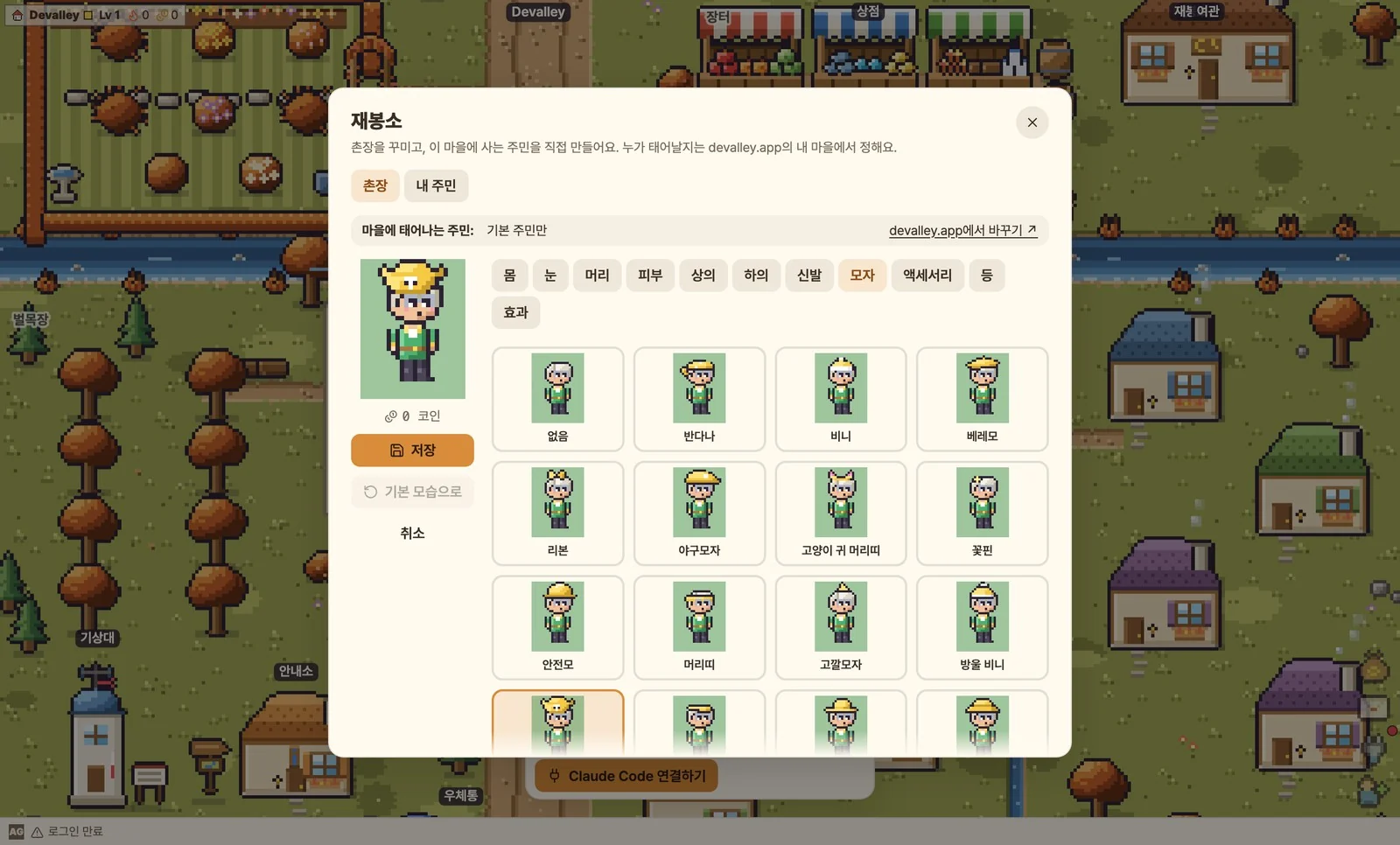
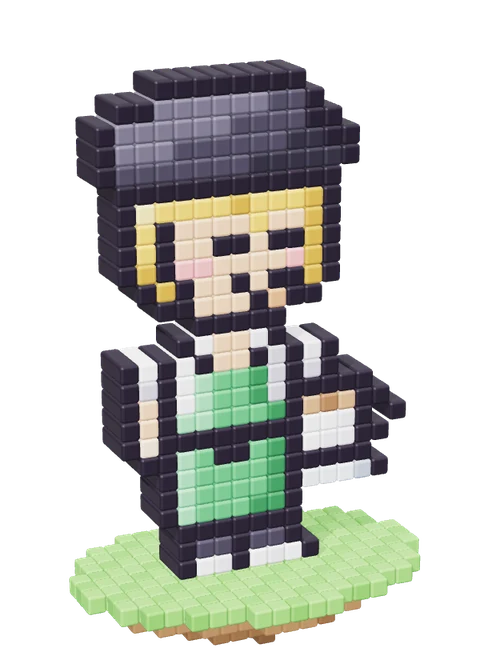
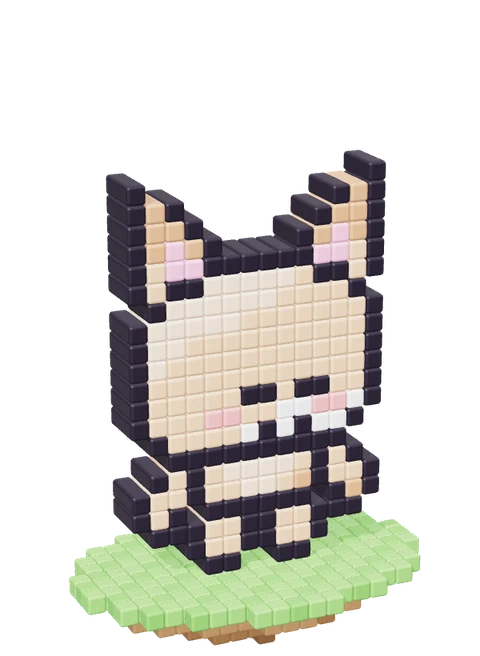
Residents carry real state, so you read the room at a glance. Bring in dogs, cats and forest friends, dress them from packs, or switch the walkers off and work from the list. Your call.




Any folder, any terminal: inside WSL, in an admin terminal. Anything else moves in with a single hook command.
A free desktop app for Windows and macOS that turns every AI coding-agent session you run (Claude Code, Codex, Gemini CLI and more) into a resident of a small village, so you see at a glance who is working and who is waiting on you.
No. Keep Windows Terminal, iTerm2, VS Code, JetBrains, tmux, the Claude app or the Codex app. Sessions come into the village from where they already run.
Yes. For Claude Code, Codex, Qwen Code, Copilot CLI, OpenCode (and Hermes once turned on in Connect agents) you read the full command and pick Allow, Deny or Always allow in the village. The terminal prompt stays too, so either side works.
What the village shows stays on your computer, and the app ships no analytics. Signing in keeps only your name and email to identify the account.
Yes. Toggle the walkers with a shortcut and shrink the village window to the usage card. The list and conversation window work on their own.
The app is free and needs no account. Members get the coin wardrobe, shop and community; Pro adds official art packs and more residents, with a 30-day trial. Monthly is $2 / ₩1,900 in Korea, excl. tax; lifetime is $7.99 / ₩12,900 in Korea, excl. tax, paid once for as long as the service runs.
Claude Code, Codex, Gemini CLI, Qwen Code, Copilot CLI, Cursor CLI, Aider, OpenCode, Antigravity, Cursor, Muse Code, Amp, Hermes, Grok Build. From any folder and any terminal: inside WSL, in an admin terminal, even the Codex app. Any other agent can move in too, with a single hook command.
Yes. Read its answer, send the next task or stop a turn; what you send is typed into that session's own terminal. Windows: Windows Terminal · VS Code · Cursor · JetBrains · Orca · console windows. Mac: Terminal · iTerm2 · WezTerm · Orca · tmux. Linux and WSL: tmux. OpenCode: any terminal. Wake a Claude Code session whose window you closed and it carries on without one. On a Mac, a new one starts without a window from the start.
Each session is a resident walking along the bottom of your screen. When it has a question or needs approval it hurries to the middle of the screen and hops with a bubble until you answer, and when its turn is done it cheers "Done!". Its name and project stand under its feet, so you see which session it is, and on a Mac it also shows beside the notch. If it waits unseen for a while it also posts one system notification (turn it off under Notifications in the tray menu). Sound and a notice when a turn ends are off until you turn them on, and it sends nothing to your phone.
Yes. Claude Code and Codex sessions are residents of the same village, and with several sessions the one that has waited longest comes first. Ctrl+Alt+Up (Option+Command+Up on a Mac) takes you to it from any app. Devalley does not make worktrees or hand work out to sessions.
Yes. The usage card shows each agent's used share of its limit and the time until it resets, and tokens today and over the last 7 days. Limits are shown for Claude Code, Codex, Gemini CLI and Antigravity CLI. On a Mac the agent closest to its limit stands in the menu bar, and on Windows the tray menu's "Village window > Usage only" keeps a small card on screen. It shows no cost in dollars.
See only the files the resident changed this turn, send it your review comments in one go, or undo the whole turn. Editing, search and replace across files, definitions and uses, strict checks: a small IDE beside the conversation. Branches, commit, push, pull and blame there too. Repositories and branches become the cottages.
Windows (installer or portable) and macOS (Apple Silicon and Intel). The Mac app is signed and notarized by Apple; the Windows app is not code-signed yet, so SmartScreen asks once on the first run. There is no Linux app yet.
A daily column of open-source AI tools, in Korean and English: what each one does, what people made with it, and how to try it with your agent.
Windows · macOS · Free · No account needed