
Cinematic Skill: narrated films drawn entirely in code
Ask for "a 90 second documentary about the Wright brothers" and this skill writes, voices and draws it in code
- Who
- Made by the creator who posts as exploraX on X (GitHub Moh4696), for people who want documentaries and explainers without shooting footage.
- When
- The repository opened on November 9, 2026; versions 1.0.0 and 1.0.1 came out the same day, per the changelog.
- Where
- Installs into Claude Code, Codex, Cursor, Gemini CLI and OpenCode. Rendering runs on your own computer with Python and ffmpeg.
What was hard
An explainer or a short documentary used to mean writing a script, recording a voice, hunting for photos you are allowed to use, and nudging every cut in an editor until it met the words. Handing it to a video model gave a different film on every run, so fixing one shot was hard.
What it does about it
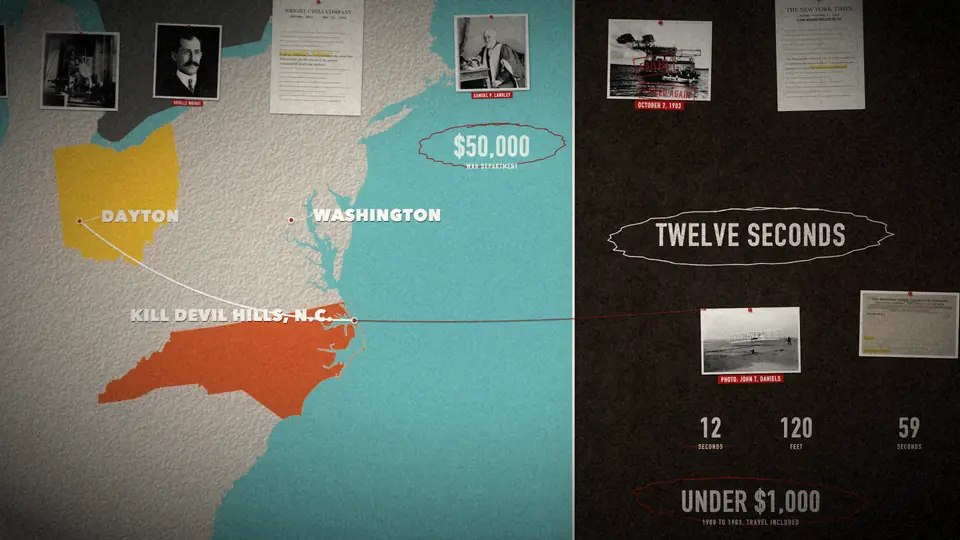
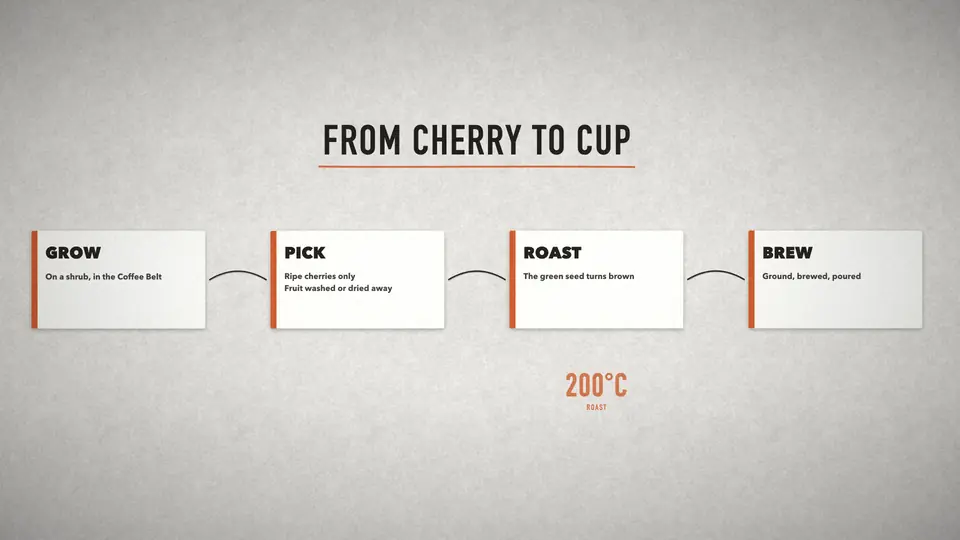
This skill treats a film as one big board. Photos, documents, cards, maps and numbers all sit on it, and a single camera glides between them without a cut. Code draws every frame (Skia, in Python), so the same scene file always gives the same film, and a stamp or a highlighter lands on the exact word the narrator says. Photos come from Wikimedia Commons with their licences recorded, and non-free files are refused.
How it runs inside
- 1
You → Claude Code
"a 90 second documentary about the Wright brothers"You give a subject and a length; the skill is called in. - 2
Claude Code → cinematic-film
script.json → make_beats.py → beats.mdIt writes the script, lints chronology and line length, and hands you a beat table to approve.skills/cinematic-film/scripts/make_beats.py - 3
cinematic-film → audio/timing.json
tts_say.py → build_narration.pyA scratch voice is cut into lines and joined into narration.m4a with word timings in timing.json.skills/cinematic-film/scripts/build_narration.py - 4
Claude Code → engine.py · render.py
scene.py: doc.W(line, "word")Photos, maps and counters go on the time a word is spoken, with camera and spotlight keys.skills/cinematic-film/assets/wright-flyer/scene.py - 5
audio/timing.json → engine.py · render.py
timing.jsonEvery entrance comes from the voice, so a new voice re-times the whole film.skills/cinematic-film/scripts/engine.py - 6
engine.py · render.py → MP4 · SRT · credits.md
render.py --out out/draft.mp4Stills are checked first, then a parallel render, with sound effects and captions added.skills/cinematic-film/scripts/render.py
What goes in, what comes out
Is it for you
Good for
- A one or two minute documentary about history, a person or a case, told with photos and maps
- A launch film or founder story built from your own product shots
- Explaining how something works with cards and rolling counters
- Changing the voice or a sentence and having the film re-time itself
Not for
- It is not generated video: no live-action motion, only a camera moving over photos and graphics.
- Per the README, a 92 second film renders at 1080p in about 6 minutes on a 16 GB laptop.
- The free scratch voice is macOS say or espeak-ng; the final voice is another TTS or a person.
- It stops for your approval at the beat table, the look and a 30 second draft.
Reviewed by Devalley’s editor before publishing. How the column is made