
Kensaku: a local file search that reads text inside screenshots
Forget the filename: type the error you saw in a screenshot and it finds the picture, locally and free
- Who
- Open source by yjid (MIT), for people who remember what was in a file better than its name, and for AI agents that need to find files.
- When
- Repository created on 24 October 2026; latest release v1.0.16 on 6 November.
- Where
- A desktop app for Windows, macOS and Linux plus kensaku-cli; indexing and search stay on your machine.
What was hard
You remember the PDF about database indexing, but it was saved as notes-final-2.pdf. The screenshot with the error has no useful name at all. Name-only search tools can't see the words inside files, let alone inside pictures.
What it does about it
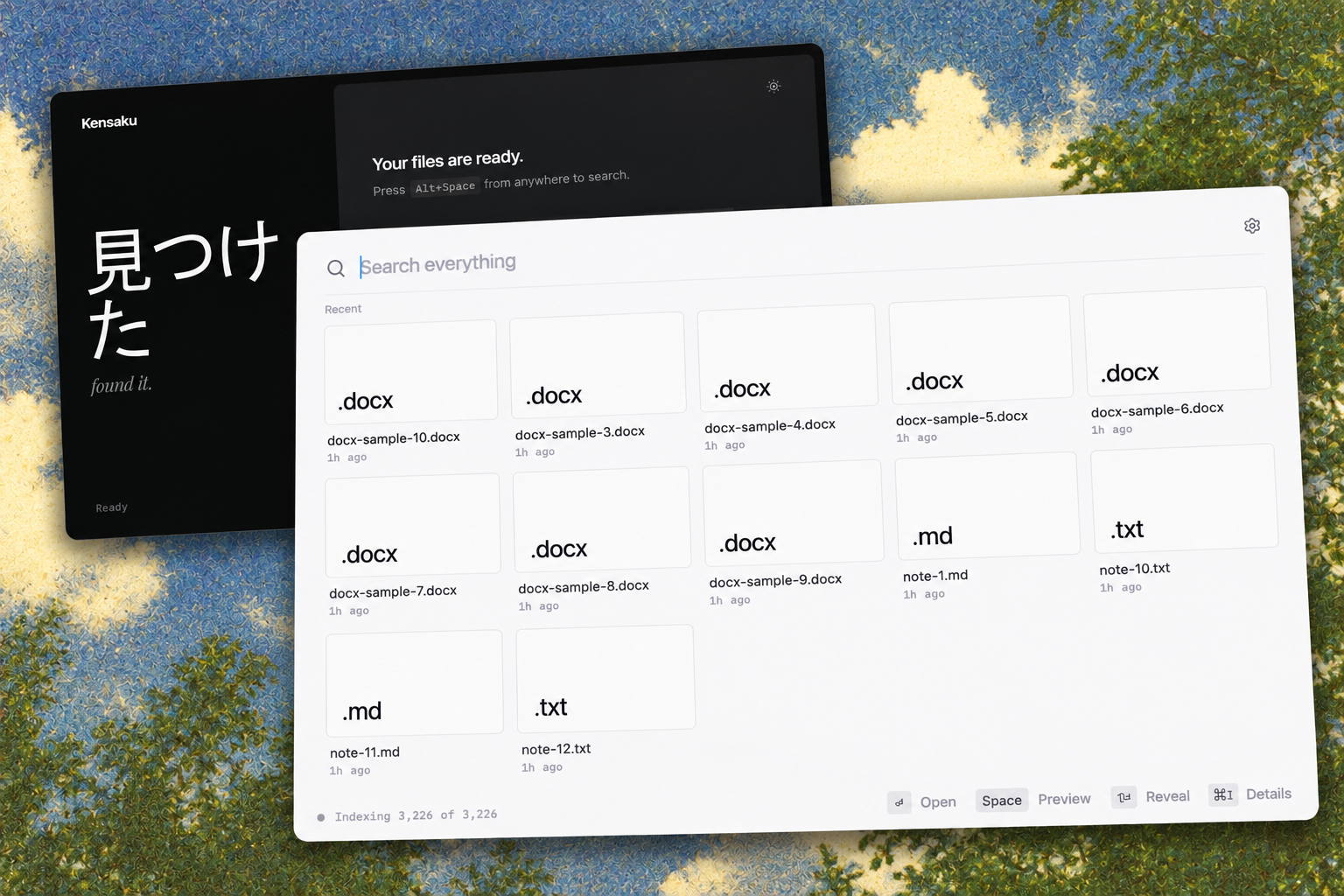
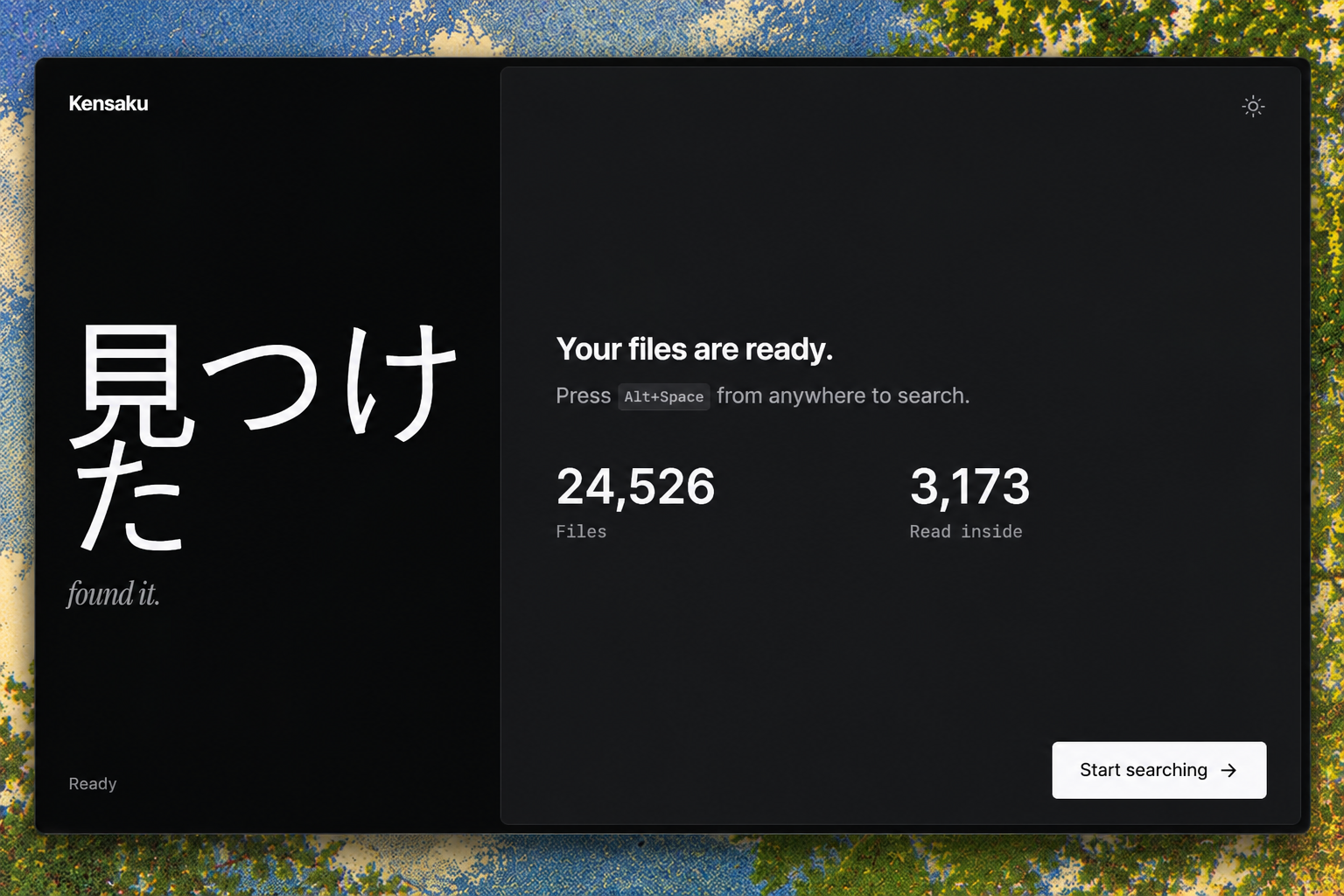
Kensaku finds files by what you remember. It reads the folders you pick once and indexes file names, PDF and Office text, and the text in screenshots, and makes them searchable by meaning too. Summon it, type, press Enter to open; Claude Code or Cursor search the same index read-only over MCP.
How it runs inside
- 1
PDFs, screenshots, code → Kensaku index
Walk folders, index names and metadataSkips excluded folders and .gitignore, reading each file once.src-tauri/src/indexer/walker.rs - 2
PDFs, screenshots, code → Kensaku index
Extract PDF, Office and code textPulls text from PDF, DOCX, PPTX, XLSX, EPUB and 50+ code and data formats.src-tauri/src/indexer/extract/mod.rs - 3
PDFs, screenshots, code → Kensaku index
OCR the text in screenshotsPP-OCRv6 by default; its model pack downloads once.src-tauri/src/ocr.rs - 4
PDFs, screenshots, code → Kensaku index
Vectors for search by meaningText is chunked into vectors so a file can be found by what it is about.src-tauri/src/embed/mod.rs - 5
You → Kensaku index
Type what you rememberNames, full text, typo-tolerant matches and meaning in one search, with the words highlighted.src-tauri/src/search/mod.rs - 6
Claude Code → kensaku-cli mcp
Calls the search toolThe MCP server opens the same index read-only and takes the query.src-tauri/src/agent/mcp.rs - 7
kensaku-cli mcp → Matching files and snippets
Paths, scores, 100-character snippetsResponses are budgeted, and file content comes back as data, never as instructions.src-tauri/src/agent/mcp.rs
What goes in, what comes out
Is it for you
Good for
- Finding documents you remember by content, not name
- Keeping errors and notes as screenshots
- Folders that mix Korean, Japanese and Chinese text
- Letting an agent find files on your PC without a cloud
Not for
- Builds aren't code-signed yet, so macOS and Windows warn on first install.
- Intel Macs fall back to Tesseract for OCR.
- Thumbnails cover images only; documents and code show icons.
- Windows has the most real-world testing; macOS and Linux less so (per the README).
Reviewed by Devalley’s editor before publishing. How the column is made