
OpenDesign: a design workspace run by your coding agent
One developer went from starting OpenDesign to a newsletter landing page ready to hand off in about six minutes
- Who
- The nexu-io team and outside contributors, for PMs, designers and developers working on one project.
- When
- Published on April 28, 2026; the latest release is 0.26.1, "Intelligent Router", from October 22.
- Where
- macOS and Windows apps, Linux from source. Drives Claude Code, Codex or Cursor on your PC; the daemon listens on 127.0.0.1.
What was hard
Ask an AI for a screen design and it tended to come back as the same page as everyone else's: a purple gradient with emoji icons. Your brand's colours and fonts had to be explained again each time, and every round of changes meant exporting files and attaching them again.
What it does about it
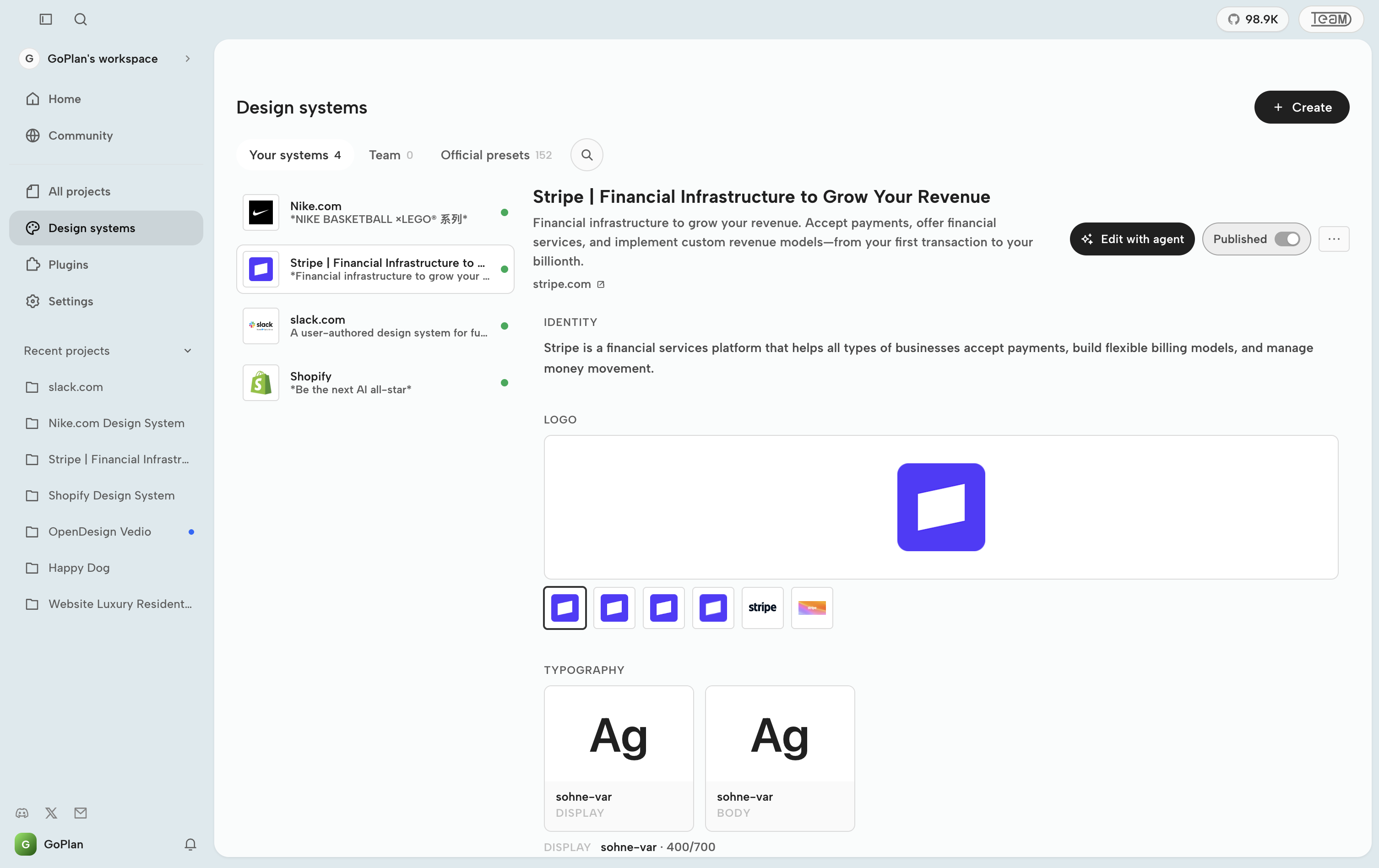
OpenDesign ships no model of its own; the Claude Code or Codex already on your PC is the design engine. The key idea is one DESIGN.md file for the brand. Every render reads it as the brand's rules, so switching the system from linear-app to stripe makes the next result come out in the new colours and type. 151 design systems ship with it, and a design stays in one project where the team reviews it and the agent keeps refining it.
What people made with it
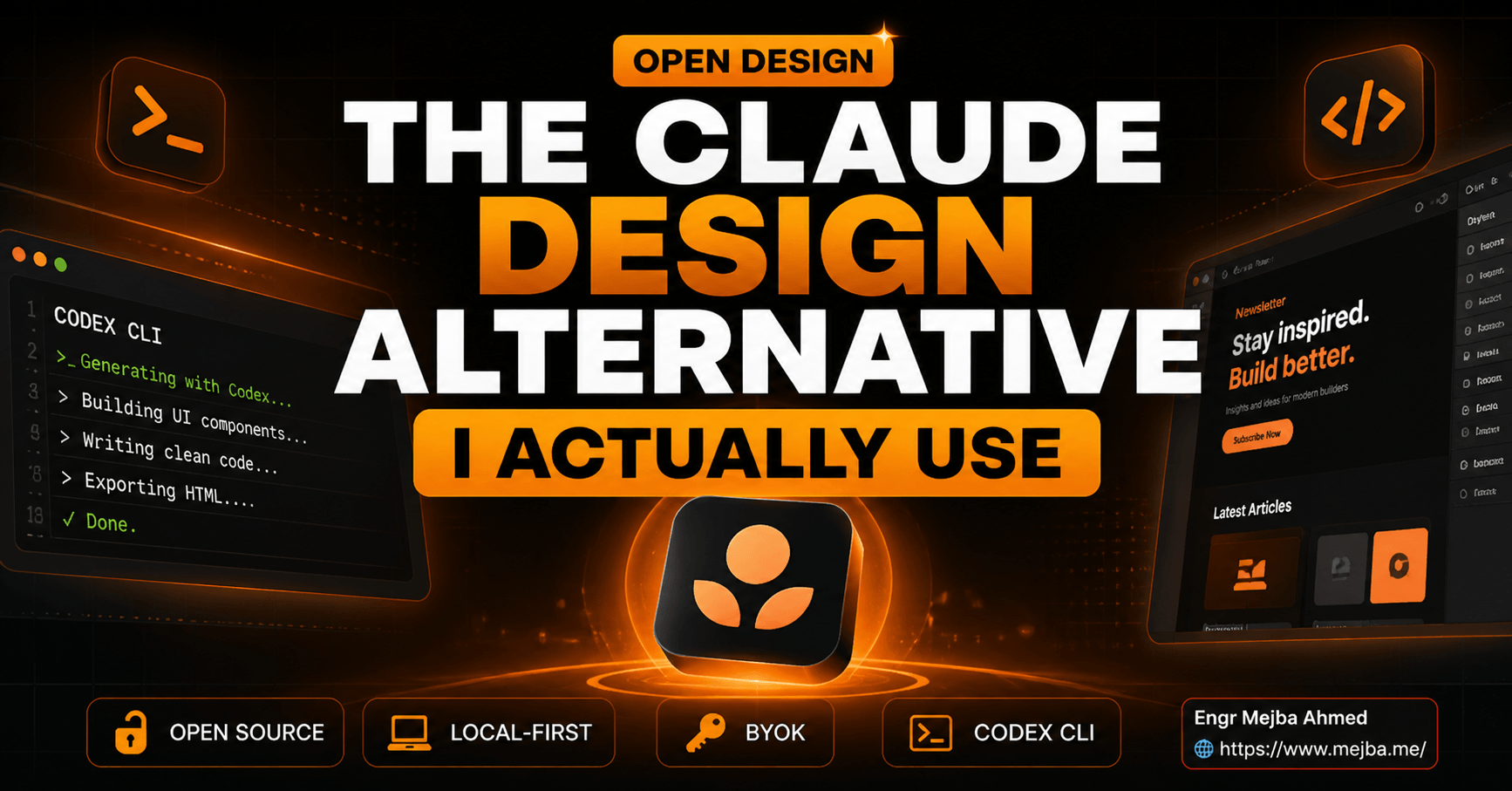
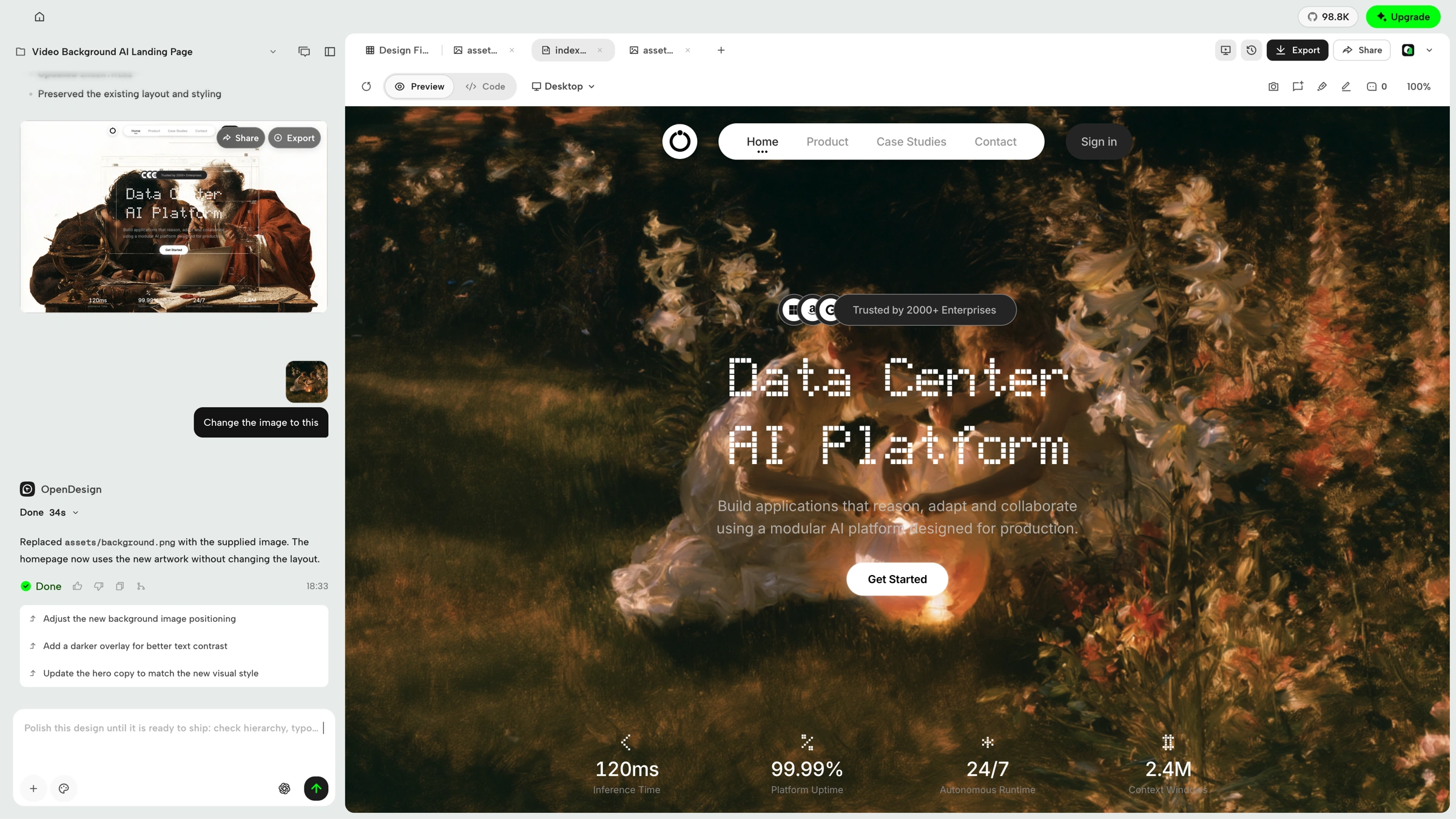
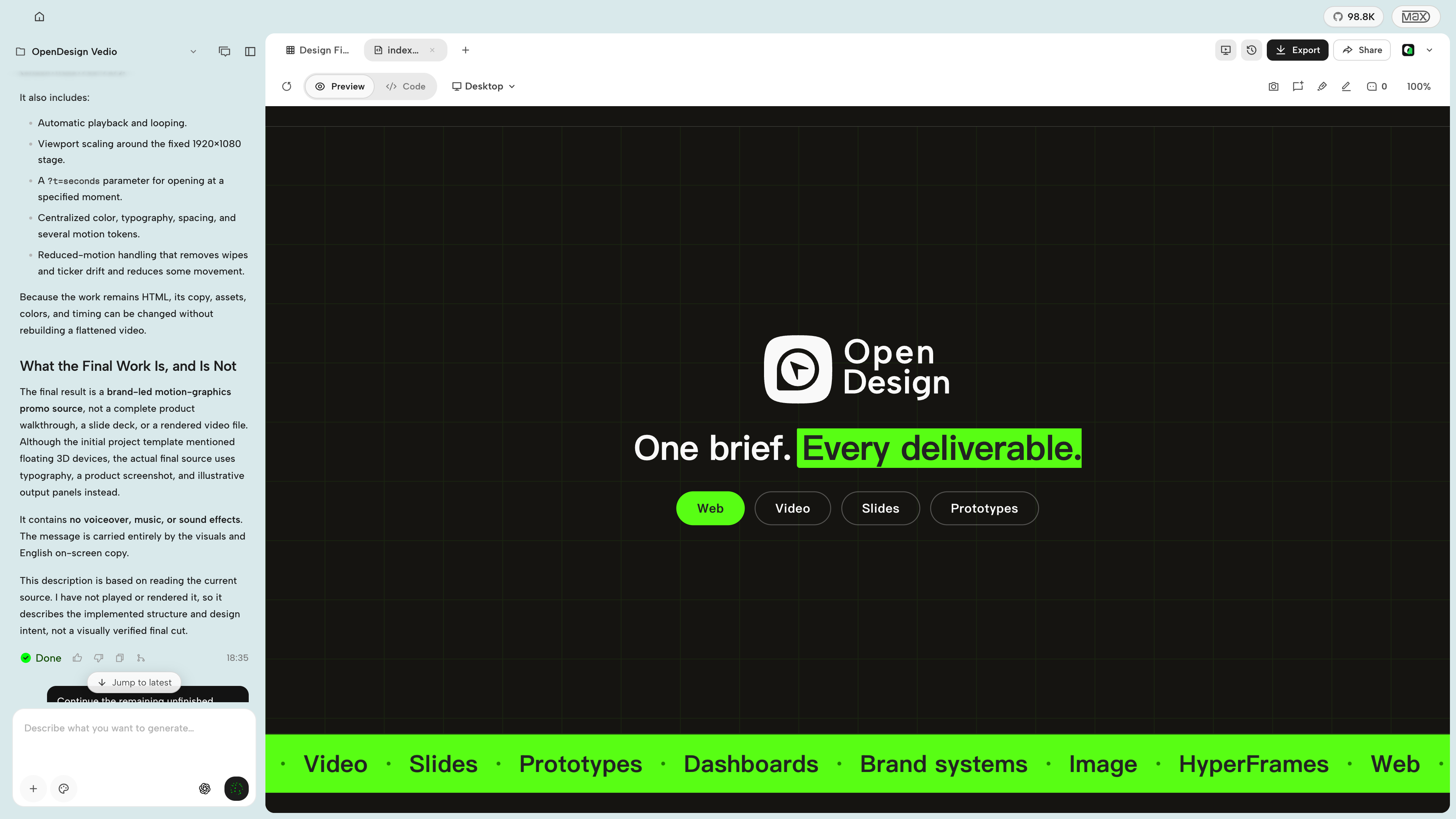
Built a landing page for "Signal", an AI engineering newsletter: a hero, three value props, recent-issue cards and an email capture, exported as an HTML bundle and a PDF preview.
The final export gave me an HTML bundle plus a PDF preview plus a screenshot I could drop in a Notion brief.
How it runs inside
- 1
OpenDesign daemon → Claude Code · Codex
Find claude, codex on PATHProbes each CLI with --version and lists the agents that actually run, so you can pick one.apps/daemon/src/runtimes/detection.ts - 2
You → OpenDesign daemon
A one-line briefTyped into the app's composer, or handed over by another agent through the MCP tool collect_brief.apps/daemon/src/mcp.ts - 3
DESIGN.md + SKILL.md → OpenDesign daemon
DESIGN.md and SKILL.md into the system promptStacks the chosen design system and skill on a designer prompt; for decks the deck rules go last.apps/daemon/src/prompts/system.ts - 4
OpenDesign daemon → Claude Code · Codex
claude -p --output-format stream-jsonStarts the agent in the project folder with the composed prompt and streams its progress back.apps/daemon/src/runtimes/defs/claude.ts - 5
Claude Code · Codex → lint-artifact.ts
Check the saved HTMLLooks for common AI tells such as purple gradients, emoji icons and invented metrics, and sends bad ones back.apps/daemon/src/lint-artifact.ts - 6
lint-artifact.ts → Preview + HTML, PDF
Sandboxed preview, exportShows the result in an iframe and exports it as HTML, PDF and more.apps/daemon/src/pdf-export.ts
What goes in, what comes out
Is it for you
Good for
- You already run Claude Code or Codex and want design work from the same agent
- You need a landing page or dashboard draft that keeps your brand's colours and type
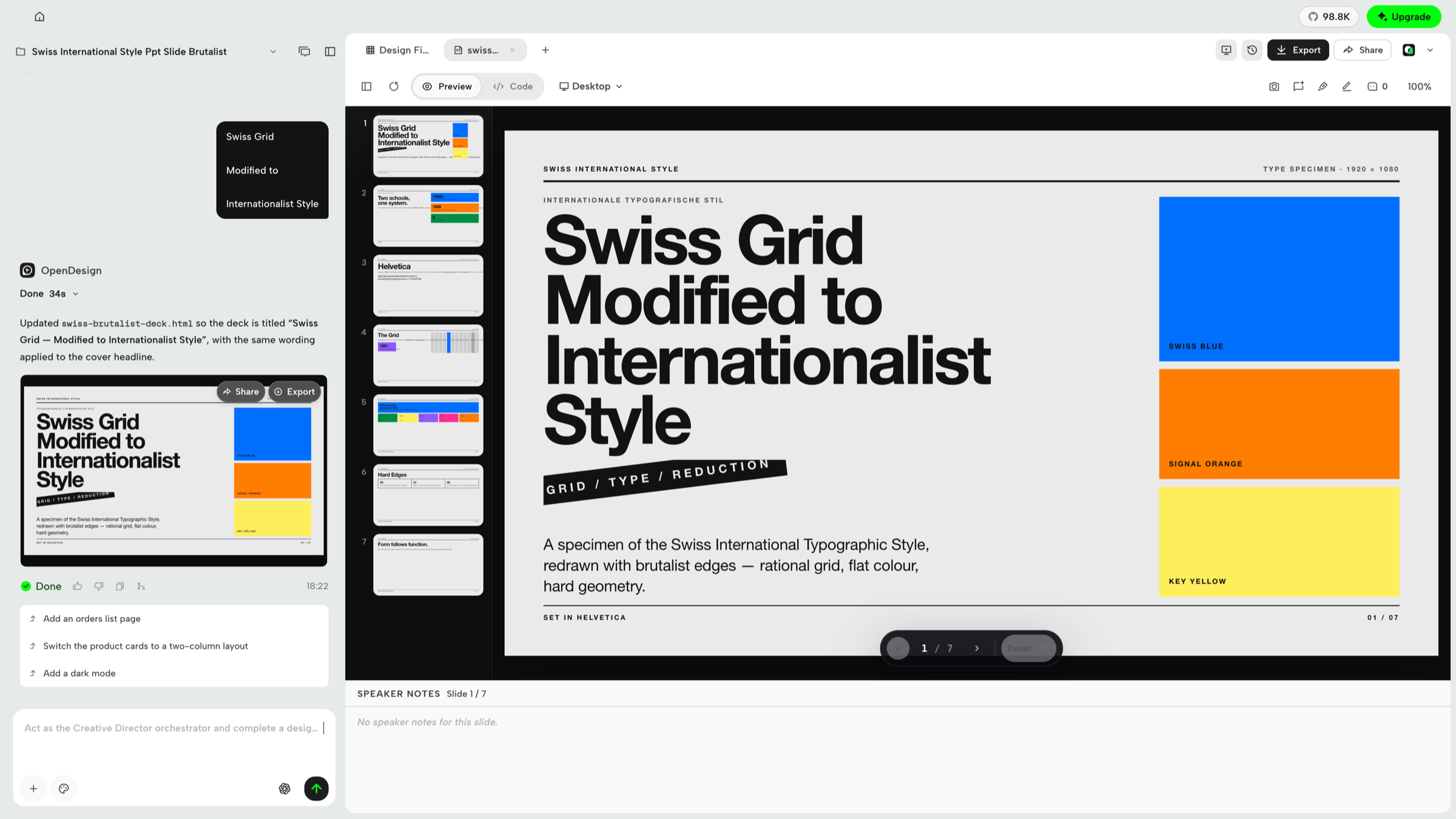
- You want a deck straight out as HTML, PDF or PPTX
- You want to pass drafts round the team and keep refining them in one project
Not for
- No prebuilt Linux release yet; Linux runs from source.
- On macOS the `od` command can be shadowed by the system's /usr/bin/od, so the README points to the app's Settings → MCP server snippet.
- Product analytics and session replay need consent, but scrubbed safety and reliability telemetry is always on (per the README).
- Without an agent CLI you need your own API key (BYOK) or OpenDesign Cloud, whose Go plan is paid.
Reviewed by Devalley’s editor before publishing. How the column is made