
CodeBurn: see where your AI coding spend went
It cuts the one monthly total of AI coding spend by project, model and task, with no account or key: npx codeburn
- Who
- An open-source project by AgentSeal, for anyone paying for coding agents such as Claude Code, Codex or Cursor.
- When
- First published on 13 April 2026; the latest release is v0.9.28 of 8 November 2026.
- Where
- Reads sessions from 42 tools, and runs only on your own macOS, Windows (WSL included) or Linux machine.
What was hard
After a month with a coding agent you get one total. Which project it went to, which model, whether it paid for coding or for debugging: none of that is on the bill. Each time you hit a limit you are left guessing what to cut.
What it does about it
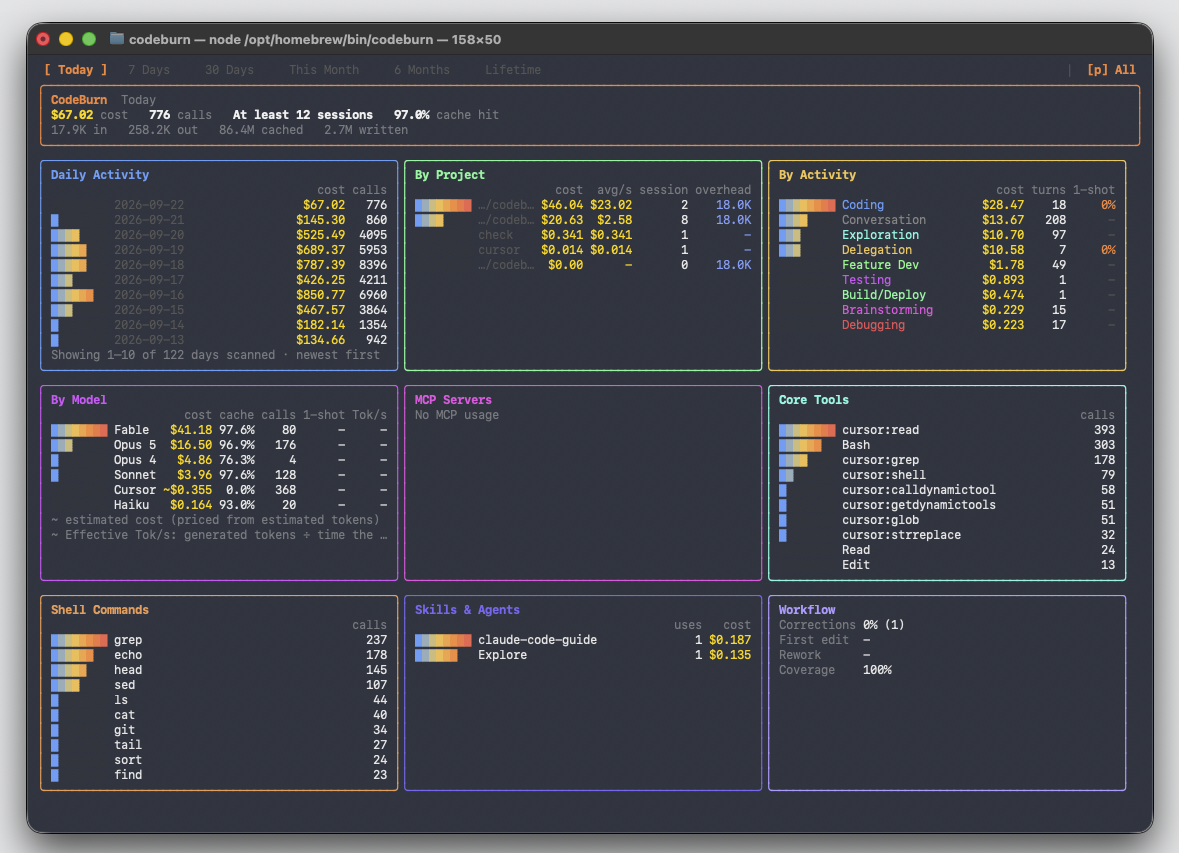
Claude Code, Codex, Cursor and the rest write a session file every time you use them, and those files hold every token and every model call. CodeBurn reads them, prices them and shows tables by tool, model, project and task. It is not a proxy in front of your agent, so your prompts and code never leave your computer.
What people made with it
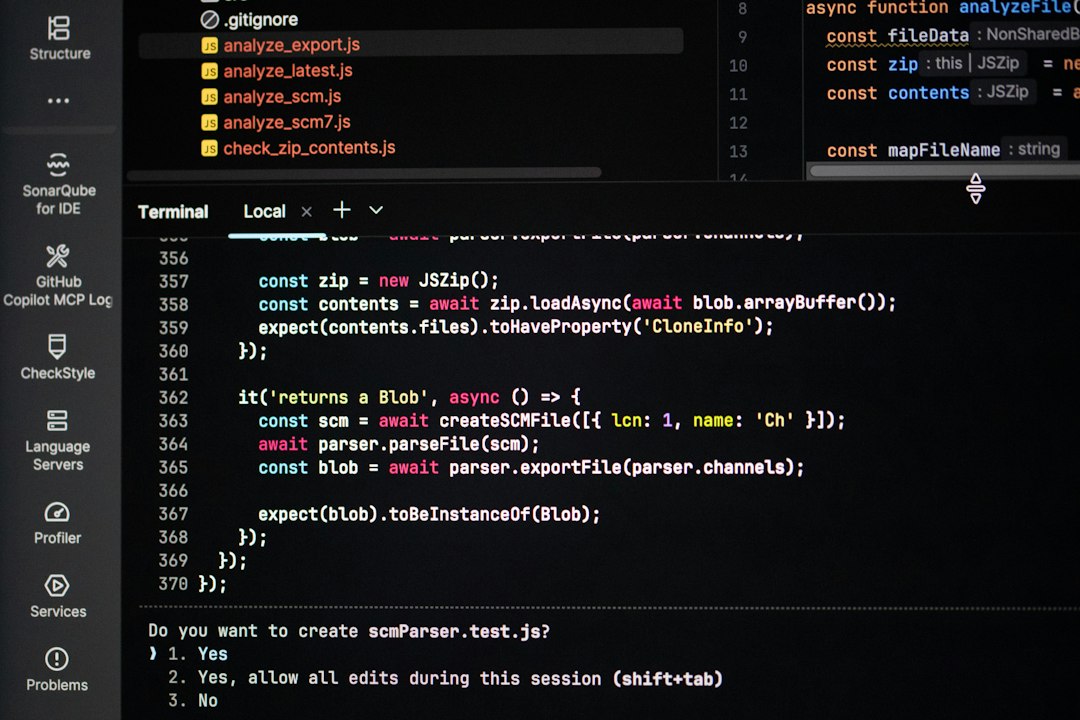
CodeBurn made the author work out tokens per real task for three of their own Claude Code jobs: almost half of one session went to debugging, and most errors traced back to the context they had given.
And most of my errors came from the context I provided, not from the agent.
How it runs inside
- 1
You → codeburn CLI
npx codeburnOne command starts it, with no account and nothing to configure.src/cli.ts - 2
codeburn CLI → ~/.claude/projects/*.jsonl
Finds and reads the session filesFor Claude Code, it takes the model name and per-call token counts from the jsonl under projects.src/providers/claude.ts - 3
LiteLLM price list → codeburn CLI
Token prices per modelThe price list is fetched, cached for 24 hours and multiplied by the token counts.src/models.ts - 4
codeburn CLI → Terminal dashboard
Each turn sorted into 13 task categoriesFixed rules: Edit or Write is Coding, pytest is Testing. No model is called.src/classifier.ts - 5
codeburn CLI → Terminal dashboard
Tables by tool, model, project and taskToday's cost, the tables and a daily chart are drawn in the terminal.src/dashboard.tsx
What goes in, what comes out
Is it for you
Good for
- Hitting the five-hour or weekly limit and not knowing what eats the tokens
- Wanting to know which project and branch cost the most, or what one feature cost
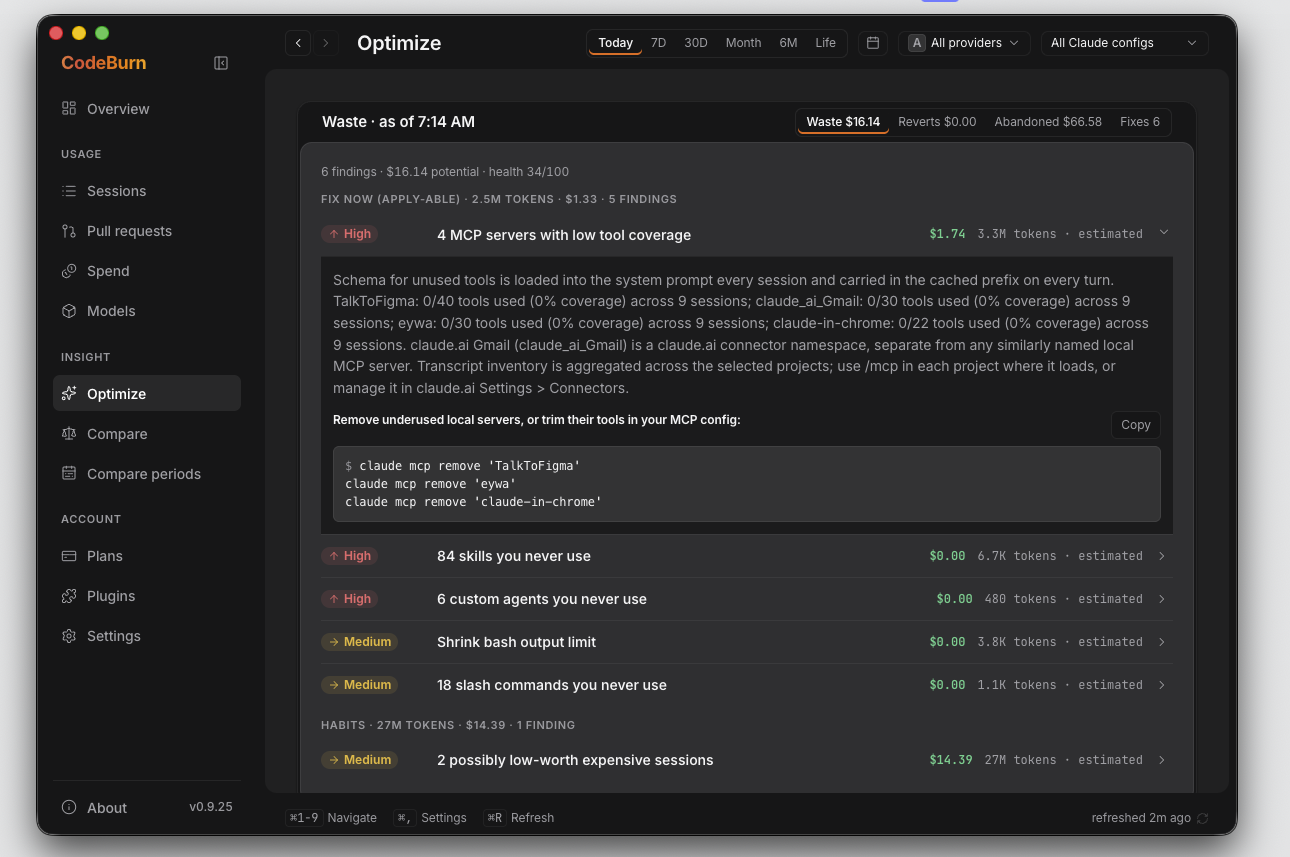
- Clearing out MCP servers and skills you installed and never call
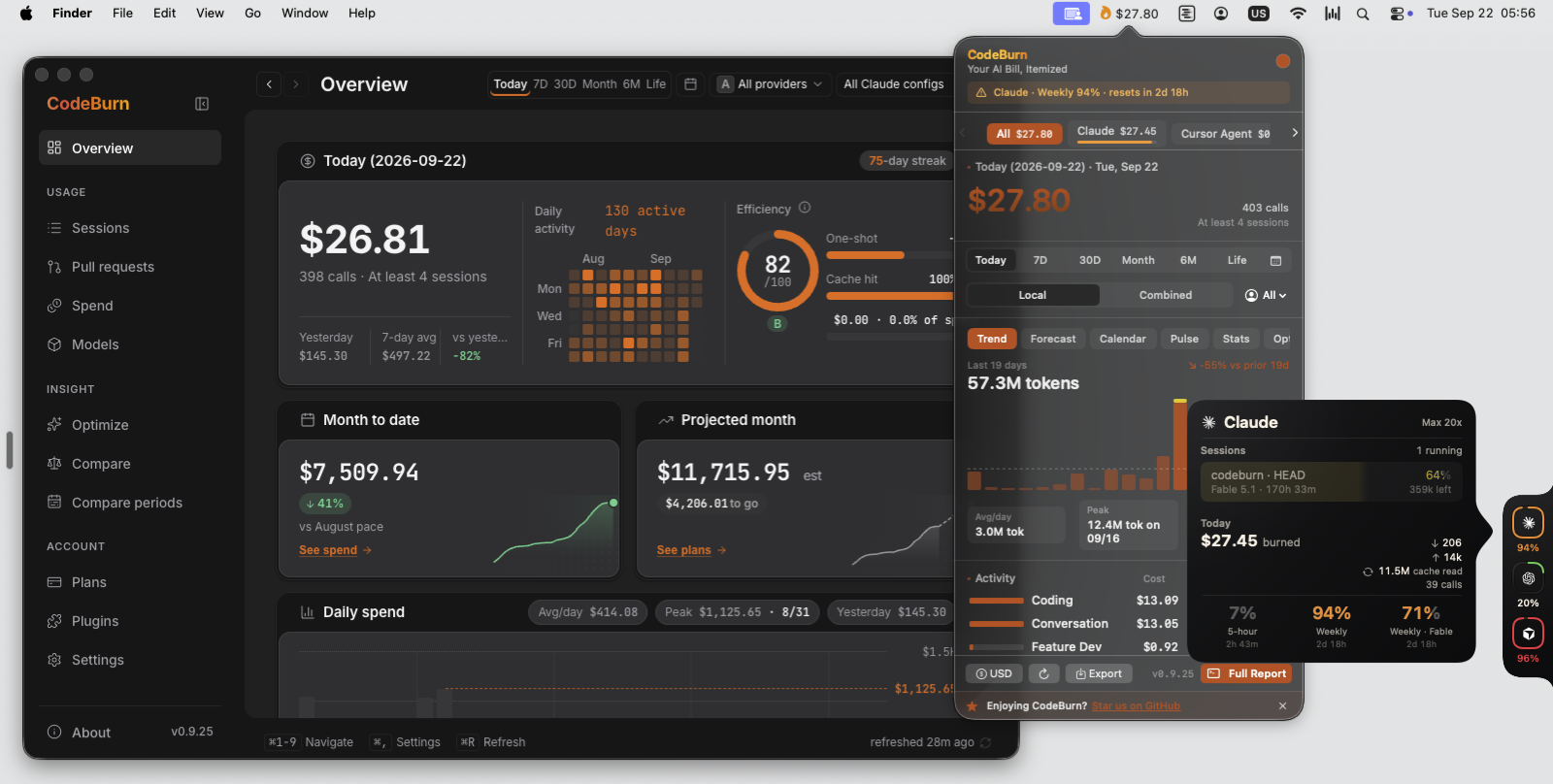
- Using several agents and wanting them on one screen
Not for
- On a subscription the dollar figure is what the tokens would cost at API rates. It is not an invoice.
- Cursor, Kiro and some Copilot sessions record no token counts, so they are estimated from content length and marked as such.
- The CLI sends nothing, but the desktop app, menu bar and tray have anonymous telemetry on by default. Settings turns it off.
- When Claude Code deletes sessions after 30 days, daily totals stay but the per-session detail goes.
Reviewed by Devalley’s editor before publishing. How the column is made