
Kensaku: 스크린샷 속 글자까지 찾는 로컬 파일 검색기
파일 이름은 몰라도 스크린샷에 찍힌 에러 문구만 치면 그 사진을 찾아 주는 무료 로컬 검색기
- 누가
- yjid가 만든 오픈소스(MIT). 파일 이름보다 내용이 더 잘 기억나는 사람과, 내 파일을 찾아야 하는 AI 에이전트용이에요.
- 언제
- 2026년 10월 24일 저장소가 생겼고, 최신 릴리스는 11월 6일 v1.0.16이에요.
- 어디서
- Windows, macOS, Linux 데스크톱 앱과 kensaku-cli예요. 색인과 검색은 모두 내 PC 안에서 돌아요.
이게 불편했어요
PDF 내용은 기억나는데 파일 이름이 notes-final-2.pdf라서 못 찾은 적 있을 거예요. 에러가 찍힌 스크린샷은 이름조차 쓸모가 없고요. 이름으로 찾는 도구들로는 파일 안의 글자, 특히 그림 속 글자까지는 찾을 수 없었어요.
그래서 이렇게 풀어요
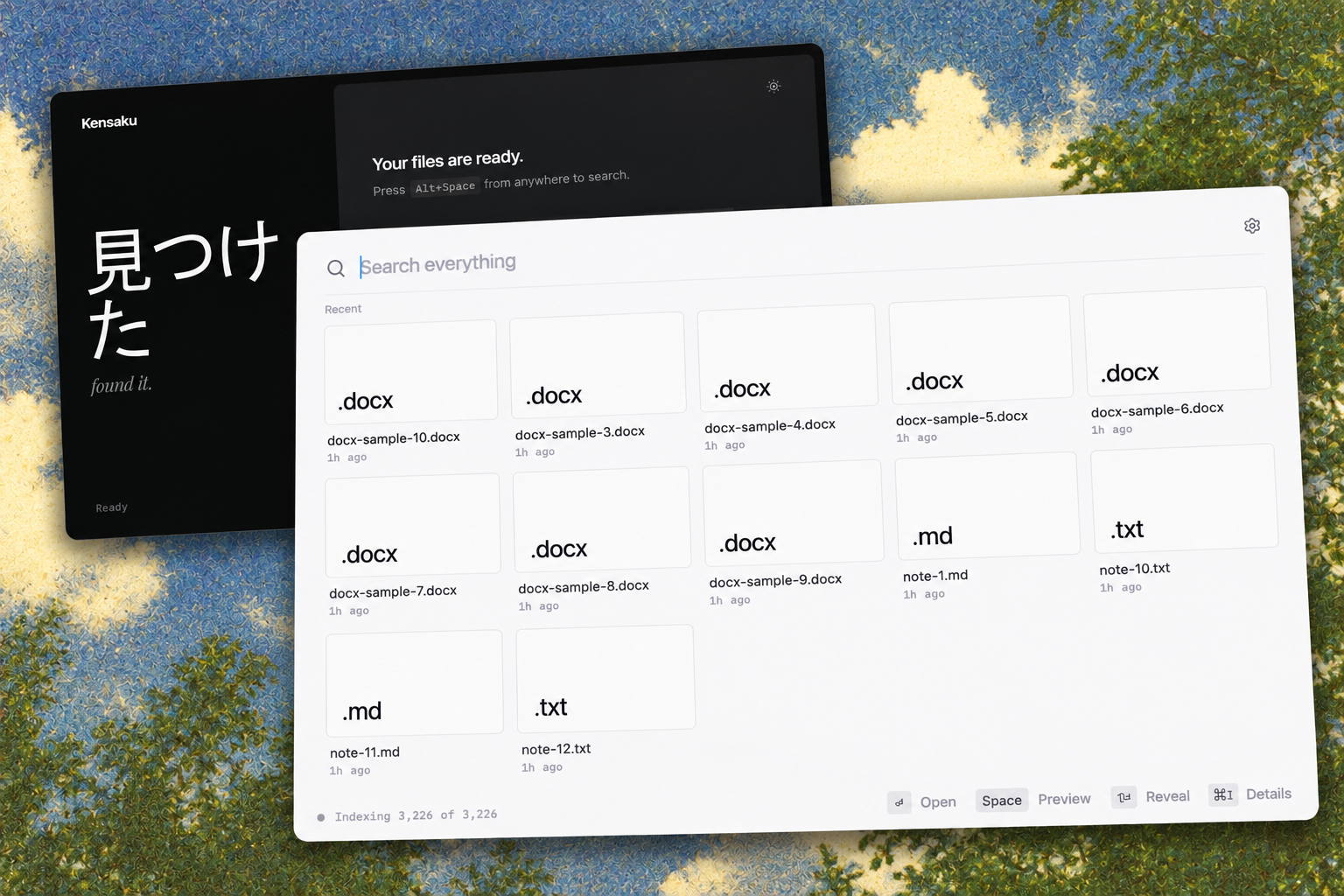
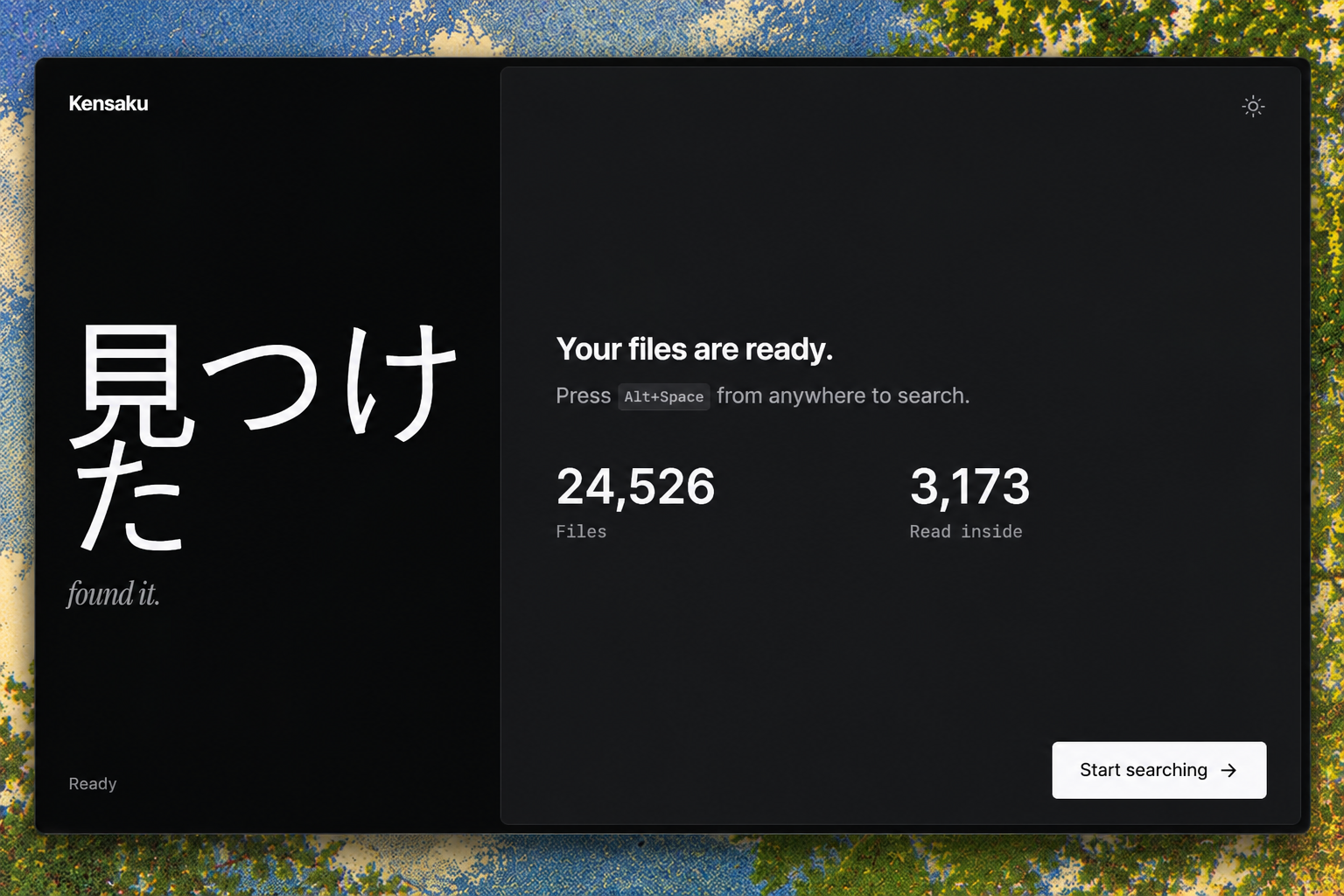
Kensaku는 기억나는 대로 치면 찾아 줘요. 고른 폴더를 한 번 읽어 파일 이름과 PDF·Office 본문, 스크린샷 속 글자까지 색인하고, 뜻으로도 찾을 수 있게 해 둬요. 단축키로 띄워 치고 Enter를 누르면 열리고, Claude Code나 Cursor는 MCP로 같은 색인을 읽기 전용으로 검색해요.
안에서는 이렇게 돌아가요
- 1
고른 폴더의 PDF·스크린샷·코드 → Kensaku 색인
폴더를 훑어 이름과 메타데이터 색인제외한 폴더와 .gitignore를 건너뛰며 파일을 한 번씩만 읽어요.src-tauri/src/indexer/walker.rs - 2
고른 폴더의 PDF·스크린샷·코드 → Kensaku 색인
PDF·Office·코드 본문 추출PDF, DOCX, PPTX, XLSX, EPUB과 50가지 넘는 코드·데이터 형식의 글자를 뽑아요.src-tauri/src/indexer/extract/mod.rs - 3
- 4
고른 폴더의 PDF·스크린샷·코드 → Kensaku 색인
의미 검색용 벡터본문을 조각내 벡터로 바꿔 두면 이름이 달라도 뜻으로 찾을 수 있어요.src-tauri/src/embed/mod.rs - 5
- 6
Claude Code → kensaku-cli mcp
search 도구 호출MCP 서버가 같은 색인을 읽기 전용으로 열어 검색을 넘겨받아요.src-tauri/src/agent/mcp.rs - 7
kensaku-cli mcp → 찾은 파일과 스니펫
경로, 점수, 100자 스니펫응답 크기를 제한하고, 파일 내용은 지시가 아닌 데이터로만 돌려줘요.src-tauri/src/agent/mcp.rs
넣으면 이렇게 나와요
나한테 맞을까요
이럴 때 좋아요
- 이름보다 내용이 기억나는 문서를 자주 찾을 때
- 에러나 메모를 스크린샷으로 남겨 두는 편일 때
- 한국어, 일본어, 중국어 문서가 섞여 있을 때
- 에이전트가 클라우드 없이 내 PC 파일을 찾게 하고 싶을 때
이건 안 돼요
- 빌드에 코드 서명이 없어 macOS와 Windows에서 첫 설치 때 경고가 떠요.
- Intel Mac은 PP-OCRv6 대신 Tesseract로 OCR해요.
- 썸네일은 이미지만 나오고, 문서와 코드는 아이콘으로 보여요.
- Windows가 실사용 테스트가 가장 많고, macOS와 Linux는 아직 적어요(README 기준).
Kensaku: a local file search that reads text inside screenshots
Forget the filename: type the error you saw in a screenshot and it finds the picture, locally and free
- Who
- Open source by yjid (MIT), for people who remember what was in a file better than its name, and for AI agents that need to find files.
- When
- Repository created on 24 October 2026; latest release v1.0.16 on 6 November.
- Where
- A desktop app for Windows, macOS and Linux plus kensaku-cli; indexing and search stay on your machine.
What was hard
You remember the PDF about database indexing, but it was saved as notes-final-2.pdf. The screenshot with the error has no useful name at all. Name-only search tools can't see the words inside files, let alone inside pictures.
What it does about it
Kensaku finds files by what you remember. It reads the folders you pick once and indexes file names, PDF and Office text, and the text in screenshots, and makes them searchable by meaning too. Summon it, type, press Enter to open; Claude Code or Cursor search the same index read-only over MCP.
How it runs inside
- 1
PDFs, screenshots, code → Kensaku index
Walk folders, index names and metadataSkips excluded folders and .gitignore, reading each file once.src-tauri/src/indexer/walker.rs - 2
PDFs, screenshots, code → Kensaku index
Extract PDF, Office and code textPulls text from PDF, DOCX, PPTX, XLSX, EPUB and 50+ code and data formats.src-tauri/src/indexer/extract/mod.rs - 3
PDFs, screenshots, code → Kensaku index
OCR the text in screenshotsPP-OCRv6 by default; its model pack downloads once.src-tauri/src/ocr.rs - 4
PDFs, screenshots, code → Kensaku index
Vectors for search by meaningText is chunked into vectors so a file can be found by what it is about.src-tauri/src/embed/mod.rs - 5
You → Kensaku index
Type what you rememberNames, full text, typo-tolerant matches and meaning in one search, with the words highlighted.src-tauri/src/search/mod.rs - 6
Claude Code → kensaku-cli mcp
Calls the search toolThe MCP server opens the same index read-only and takes the query.src-tauri/src/agent/mcp.rs - 7
kensaku-cli mcp → Matching files and snippets
Paths, scores, 100-character snippetsResponses are budgeted, and file content comes back as data, never as instructions.src-tauri/src/agent/mcp.rs
What goes in, what comes out
Is it for you
Good for
- Finding documents you remember by content, not name
- Keeping errors and notes as screenshots
- Folders that mix Korean, Japanese and Chinese text
- Letting an agent find files on your PC without a cloud
Not for
- Builds aren't code-signed yet, so macOS and Windows warn on first install.
- Intel Macs fall back to Tesseract for OCR.
- Thumbnails cover images only; documents and code show icons.
- Windows has the most real-world testing; macOS and Linux less so (per the README).